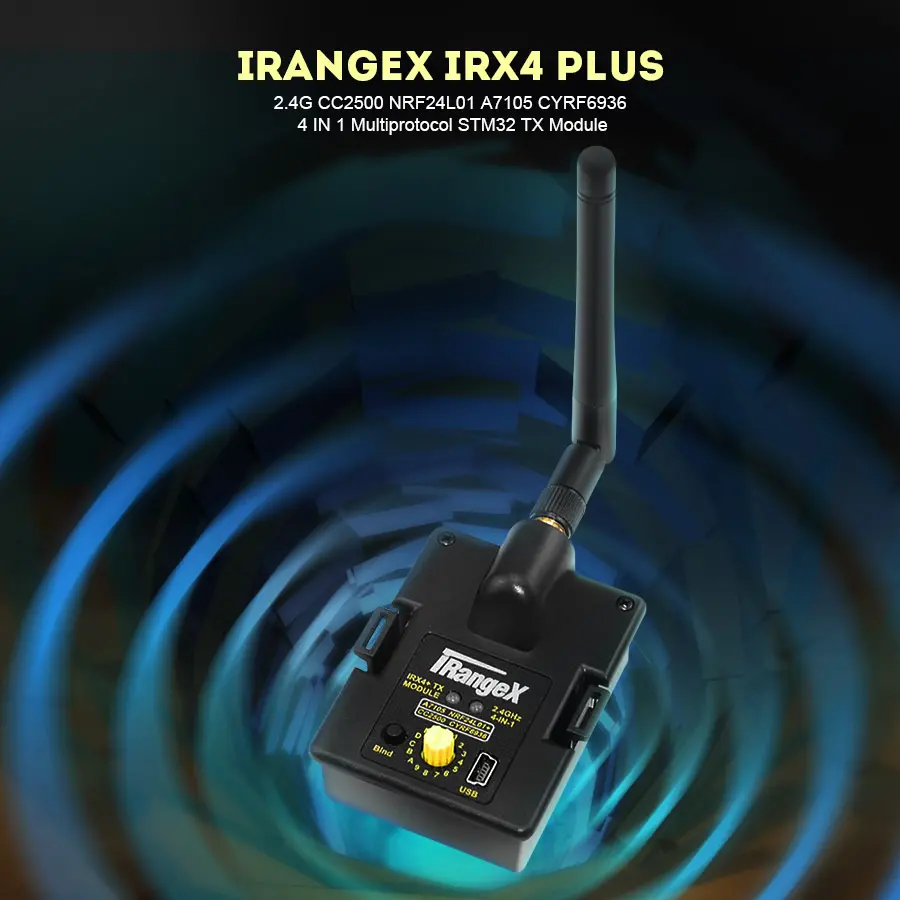
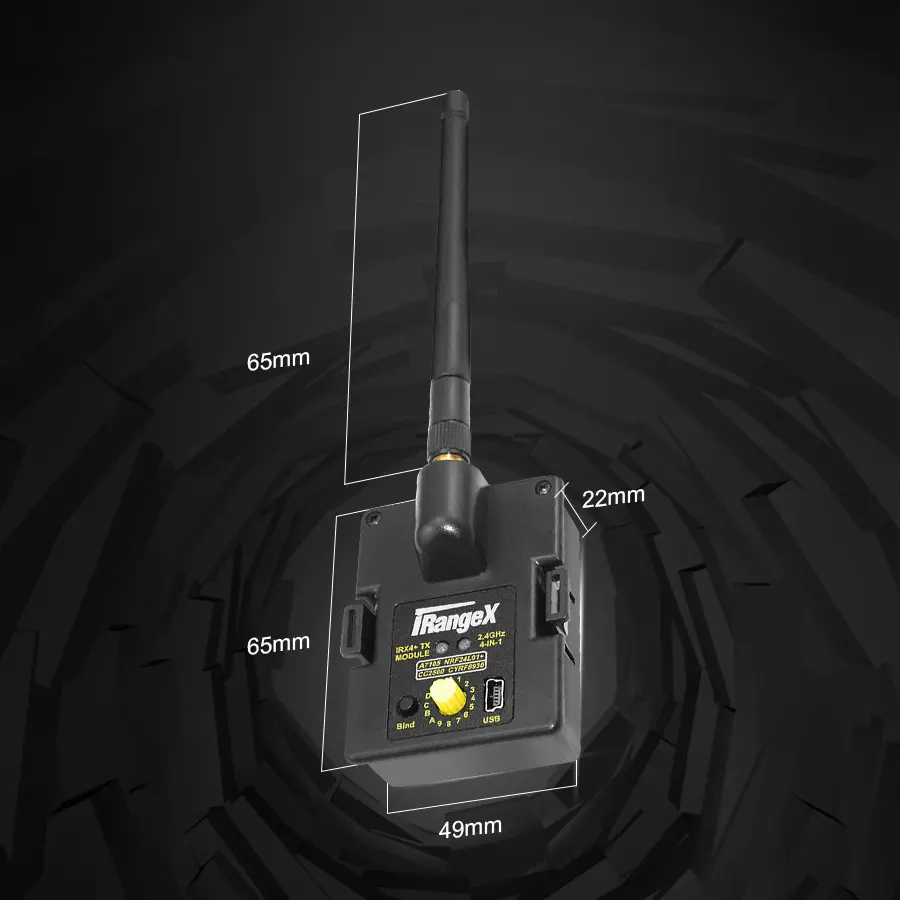
iRangeX IRX4 Plus 2.4G CC2500 NRF24L01 A7105 CYRF6936 4 IN 1 Multiprotocol ARM TX Module With Case
Note:
The STM32 MCU has changed to ARM, firmware is ARM CORTEX-M
The new stock will be ARM, Existing inventory is not affected
Overview:
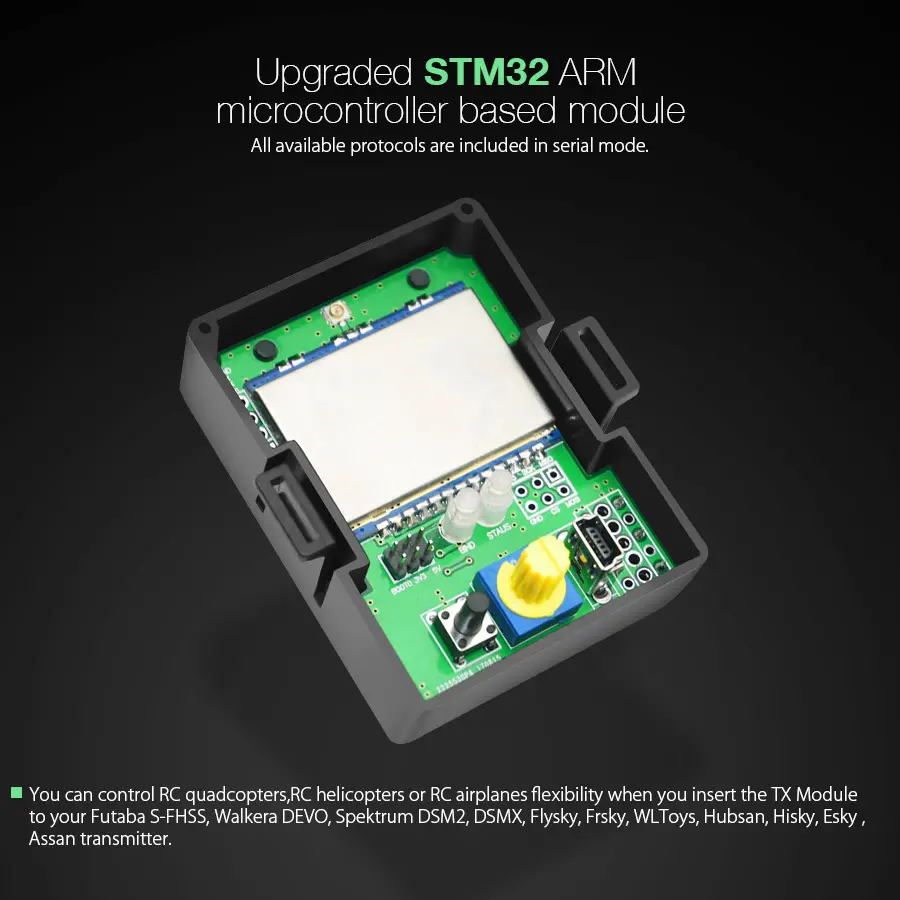
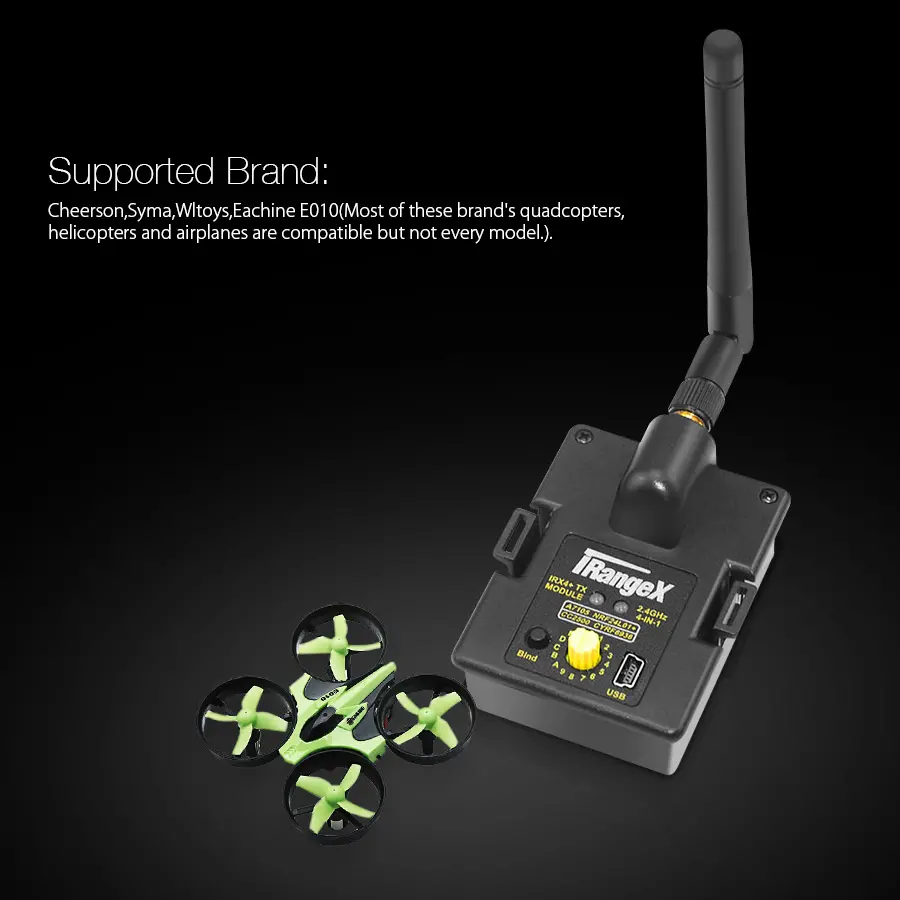
This 2.4G Multi-protocol TX Module is an APM32 ARM microcontroller-based module. All available protocols are included in serial mode. It is suitable for many brands of quadcopters, helicopters, and airplanes.
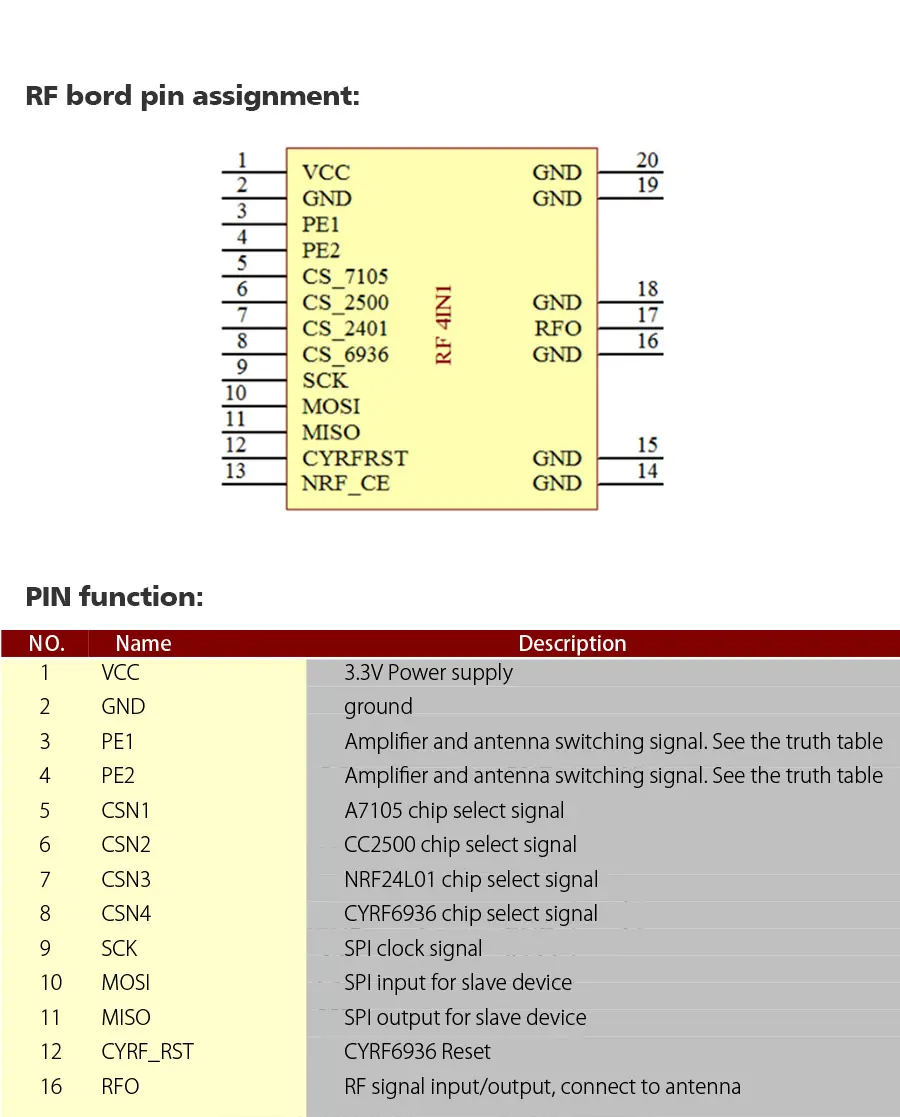
This module integrates four RF chips (CC2500, NRF24L01, A7105, CYRF6936) into one single circuit board, it supports a variety of remote control protocols, such as for Futaba S-FHSS, Walkera DEVO, Flysky, Frsky, WLToys, Hubsan, Hisky, Esky, Assan, etc. You can control your craft flexibility with it, and You will get much excellent experience with your favorite transmitter.
Specification:
Brand Name: ranges
Item Name: IRX4 Plus
Operating Voltage: 5-14V
Operating Current: <=100mA
Operating Frequency: 2.4G ISM band
RF Power: +22dBm
MCU: ARM CORTEX-M(128K ROM, 20K RAM)
Weight: 45g
Features:
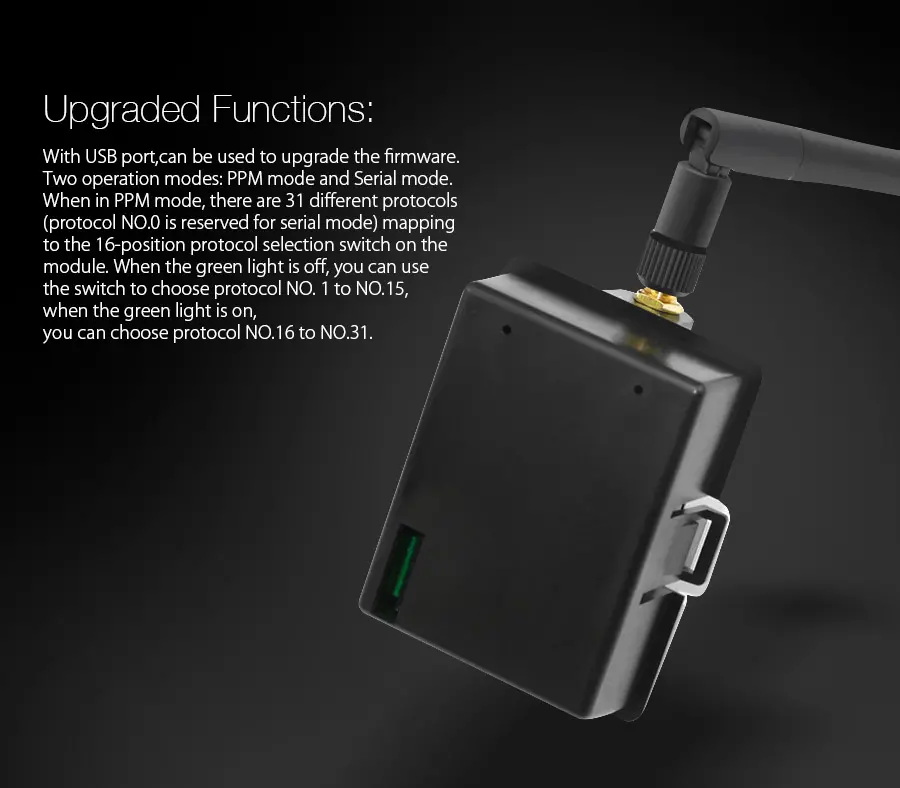
Two operation modes: PPM mode and serial mode.
- When in PPM mode, there are 31 different protocols (protocol NO.0 is reserved for serial mode) mapping to the 16-position protocol selection switch on the module. They are listed in the default protocols table below, when the green light is off, you can use the switch to choose protocol NO. 1 to NO.15, when the green light is on, you can choose protocol NO.16 to NO.31.
- To turn on/off the green light, please follow these steps:
Turn off your transmitter, point the protocol switch to ‘0’, hold and press the bind button of the RF module, and then turn on your transmitter, after 3 seconds, release the button.
Normal Use Operation in PPM Mode:
1. Install the RF Module in position and set the PPM signal output on your transmitter.
2. According to the default protocols table, turn the arrow sign (the side with a vertical slot) of the protocol switch to the proper number to choose the protocol.
3. After finishing the binding operation, Power on your transmitter, the red light of the RF module will be on, and then the RF module is ready to work, after power on your receiver (or craft).
4. Protocol selection is done at the beginning of power-up, so if you want to change protocol during operation, you should recycle the power.
5. The red light will blink slowly if there is no valid PPM signal.
Binding Operation in PPM Mode:
1. Power on your receiver, and set it to binding mode.
2. Hold and press the bind button of the RF module, and then turn on your transmitter, after 3 seconds, release the button, and you will see the red light flashing rapidly, the RF module is in binding mode, and the red light will go solid after binding.
3. Some protocols (e.g.: S-FHSS) don’t have the binding procedures on RF module, and some protocols (e.g.: hubsan, e010)will auto bind when power up.
Operation in Serial Mode:
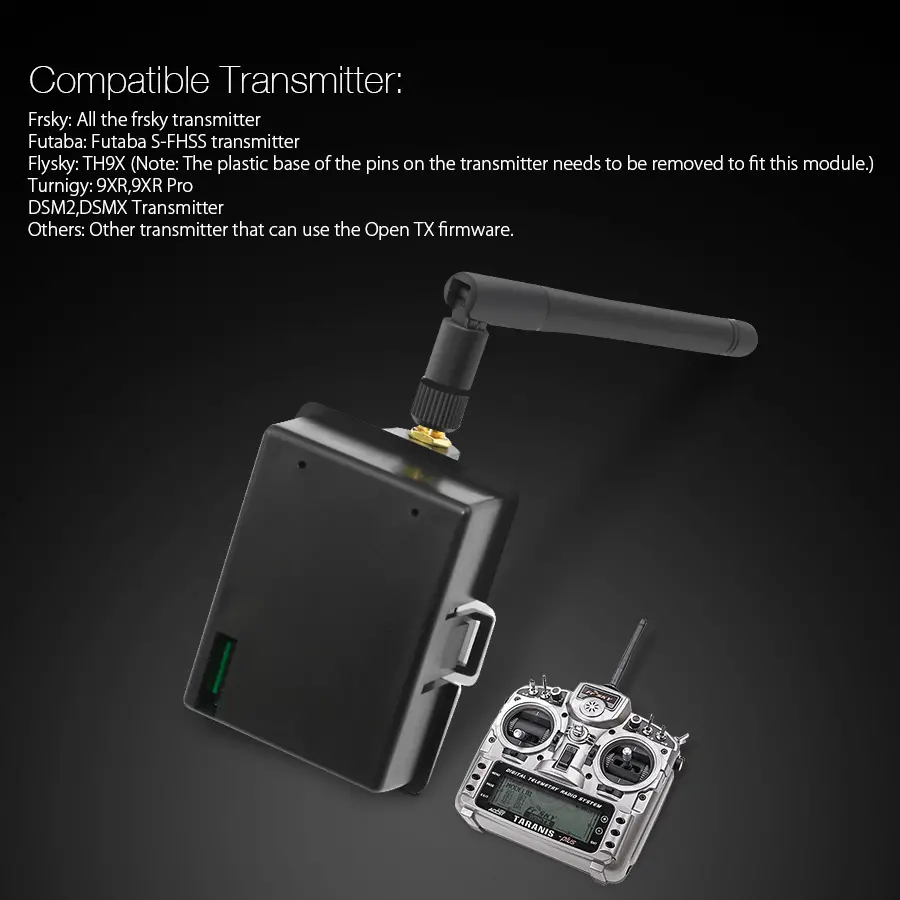
When the green light is off, and the protocol switch is point to ‘0’, you can access serial mode. Transmitter that supports the er9X/erSky9X or Open TX firmware can work in this mode, The model protocol selection and binding is done from the Model Settings menu on the transmitter, For telemetry capable transmitters, the telemetry integration is done seamlessly with the transmitter firmware.
For more information, Please refer to the Link below.
https://github.com/pascallanger/DIY-Multiprotocol-TX-Module
https://github.com/pascallanger/DIY-Multiprotocol-TX-Module/blob/master/Protocols_Details.md
Notice:
- The jumpers and header attached is used for updating firmware of TX module through USB serial cable. Please remove them for normal use..
- Sometimes, you may need a power recycle when you choose a new protocol. for example, protocol changes from Q303 to HISKY.
- For FRSKY and S-FHSS protocol, you may need set the value of Fine or Option (in the Model Settings menu) properly to bind with your model. The value is varied, since it’s partly depended on your model.
Package Included:
1 x iRangeX IRX4 Plus TX Module